Posts

Effective ways to capture Lead Data in Salesforce without frustrating your users

Image
In this post we will discuss about ways to capture Lead Data in Salesforce efficiently. Making Salesforce Lead Data Capture process simple is a way to ensure that the users find it easy to provide their necessary information. We will go through an easy and reliable way to capture Lead Data in Salesforce using scalable tools. We will also discuss some reliable strategies and tips to capture Lead information into Salesforce  
A Guide to Improve File Sharing Process In Salesforce

Image
In this article we will check how to improve File sharing, File Storage and File Management using Salesforce and Titan. Salesforce File Sharing and Management is always a complex process specially because of Salesforce File Storage and Salesforce File Sharing related limitations. We will learn how can we manage File Sharing in Salesforce and how to manage sharing files with external or internal teams within Salesforce. We will focus on how to enhance Salesforce File storage capacity by  integrating with external file storage platforms from Salesforce so you can store and manage your files with the cloud storage solution of your choice including Google Drive, OneDrive, DropBox, and more.

A Guide to Increasing Lead Conversion in Salesforce Workflows

Image
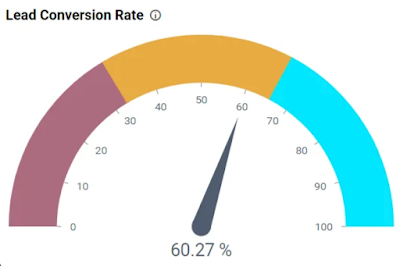
In this post we will discuss about ways to automate Lead Scoring in Salesforce and Lead Conversion in Salesforce. In order to drive the business and enhance the efficiency of Sales process, we will see how to best automate Salesforce Lead Scoring process and drive better Salesforce Lead Conversions. 

A Guide to Using External File Storage for Salesforce Data

Image
Salesforce File Storage has always been a challenge for many businesses using Salesforce. In this article we will explore some use cases for External File Storage in Salesforce and a really cool tool and solution for External File Storage for Salesforce Data.

Salesforce Flows | Consider Implementing a Kill Switch Design for Flow (On/Off Switch)

Image
In this post we will see why we should consider to create a Kill Switch or an On/Off Switch for Salesforce Flows. Also, we will see one of the potential (many) ways to create this Kill Switch or On/Off Switch for Flows .This can be useful specially for Record Triggered Flows(After Save, Before Save and Before Delete Flows ). 

Flows | Use Flows to Bulk Update Records from List View in Salesforce

Image
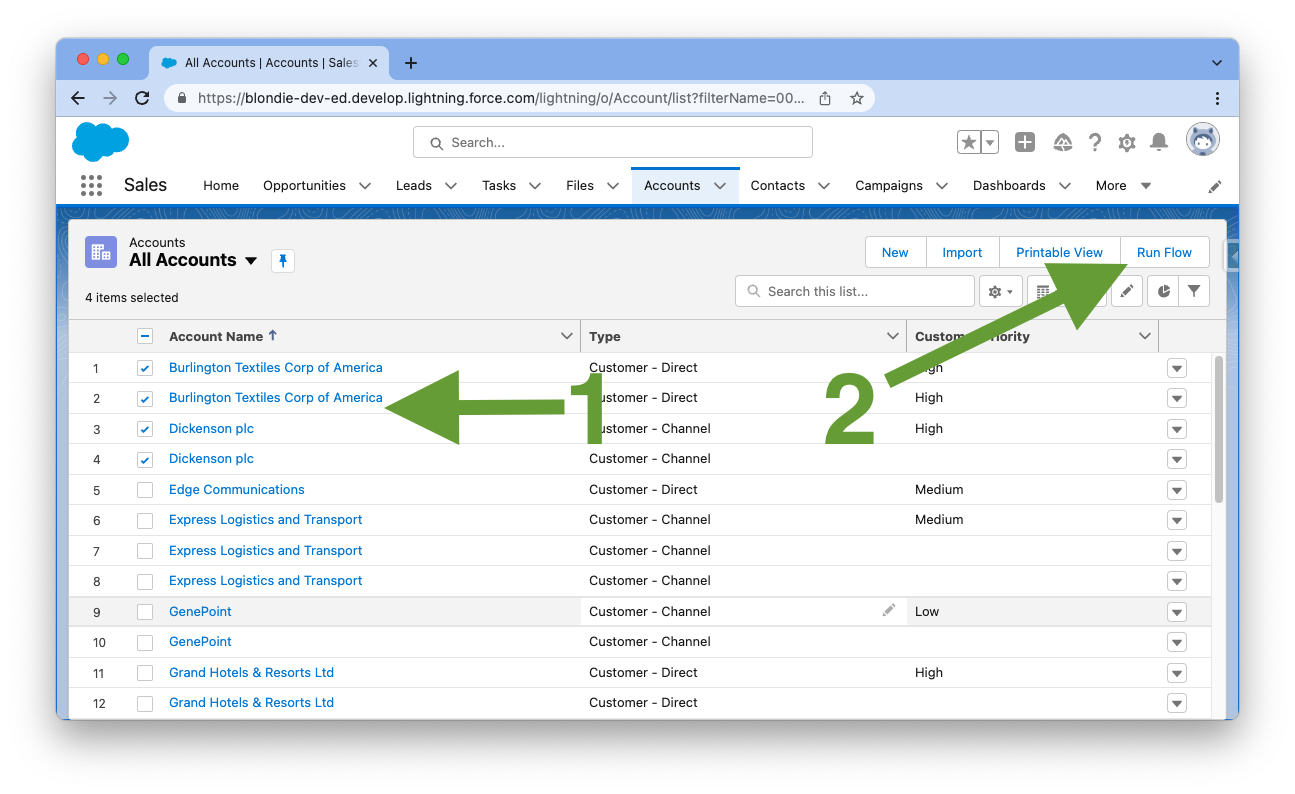
How to use Screen Flow as a List View Button to Edit Multiple Records at once in Salesforce? In this post we will see how to use a Screen Flow in a List view in Salesforce. There are many use cases where you need to perform some custom action on multiple records in a List View in Salesforce. We will see how to create a custom List View Button using a Screen Flow in Salesforce to perform actions on multiple selected records at once. We will see how to Pass Selected Records from a List View to a Flow . Based on these passed records from List View to a Screen Flow, we will just use the Flow to do perform desired business logic.

SALESFORCE PLATFORM APP BUILDER CERTIFICATION COURSE - HUGE DISCOUNTS - 50% OR MORE

Image
Complete Salesforce Platform App Builder Certification by learning from the best. I have found a course that will prepare you for the same.This is my personal recommendation and Enrol now and start your learning journey now. And yes, you can get up to 80% discounts when you enrol from the special link shared below.

SALESFORCE WINTER 22 RELEASE PREVIEW | LATEST FLOW FEATURES

Image
Salesforce Winter '22 Release will be here soon. Let's see some of the New Flow Features and Enhancements which will be coming in Winter 22 Salesforce Release. This post is to give you an idea about the New Flow Features in Salesforce Winter 22 Release.

Salesforce Flows - Use Not Contains, Not Starts With and Not Ends With Operators in Flow

Image
In this post we will see how to use Not Contains (Does Not Contain)  function or operator in Salesforce Flows. Also, we will see a Workaround to use Not Starts With and Not Ends With operators in Salesforce Flows. All these operators are not available directly in Flow Elements but we can use Custom Condition Logic in Flows to implement these. We will go through an efficient "Does not Contain" workaround  by using  Custom Condition Logic in Salesforce Flows. If you work on Flows in Salesforce, you might have come across scenarios where you need to put/use condition logics to filter data like : checking if a particular field contains some particular text or if value of field starts or ends with a particular text or number. These are useful and powerful operators while working on Flows in Salesforce and are available to apply in Flow Elements directly.  But what if you wanted to check the opposite of it? Somebody messaged me directly to get answer to this so I thought...

Salesforce Summer 21 Release Preview | Latest Flow Features

Image
Salesforce Summer '21 Release is here soon. Let's see some of the Latest and New Flow Features and Enhancements in Summer 21 Salesforce Release. This post is to give you an idea about the New Flow Features in Salesforce Summer 21 Release.

Flows | Loop on Checkbox Group Values in Flow using Apex Action

Image
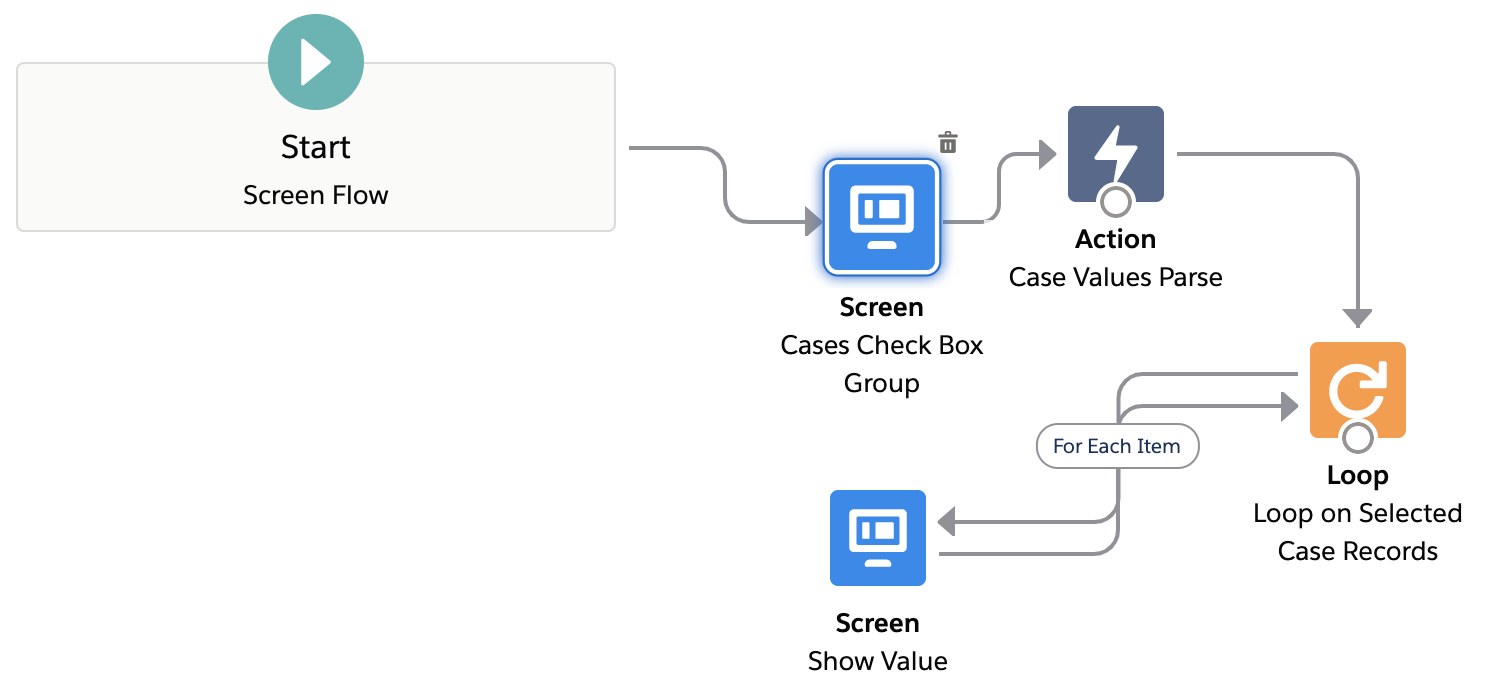
Salesforce Flow Get Values from Checkbox Group. In this post we will see how to Parse and use the values from a Multi Select Checkbox Group on a Screen Flow. Salesforce Flow Multi Select Checkbox can used for many use cases. We will use a Record Choice Set to show Multiple Checkboxes on Flow Screen and display Record values as choices or checkboxes. After that we will explore a way to use the selected values from the Record Choice Set to perform actions like Looping over the Checkbox Group values.  Let's see how to use the Salesforce Flow Checkbox Group Output effectively. 

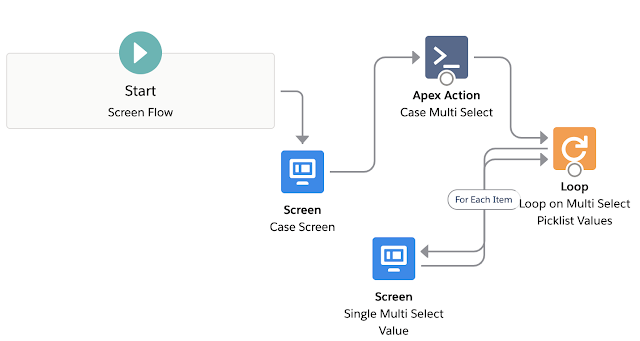
Flows | Parse Multi Select Picklist Values in a Flow with an Apex Action

Image
In this post we will see how to Parse the  Multi-Select Picklist  Values in a Flow . Parsing the Multi-Select Picklist Selected values in a Flow is required where we need to use Selected Multi Select Picklist values later inside the Flow for Loop and various use cases like as a Collection variable t o Loop on them. We will Assign the Multi Select Picklist Values to a Collection Variable. We will also see Salesforce Flow Loop through Multi Select Picklist in this article. Best part is that you just need to download an Apex Action to use this Feature .

Flow Bulkification | Mass Update Records from Flows in Salesforce

Image
Update Multiple Records in Flow Salesforce . In this post we will talk about ways to Bulkify Flows to Update Multiple Records   .This is also known as Flow Bulk Update or Bulk Update / Mass Update of Records using Flows . Concept of Salesforce Flow Update using Record Collection Variable will be explored in this post. We will also see how to use Salesforce Flow Loop Update Records feature. Also, we'll talk about some Flow Loops Best Practises. 

Flows | Display Clickable Image with URL Link on Screen Flows

Image
Navigate to an URL by clicking an Image in Salesforce Screen Flows. In this post we will see how to add and Display Image on a Salesforce Flow Screen. Also, we will make the Image in Screen Flow Clickable to navigate to a web page or a URL link. We will be first adding  Image on a Salesforce Flow Screen and then embed a Link url to it. This will make the Flow Image Clickable to navigate to any URL.  We will achieve this clickable image on the Flow Screen without writing any code or adding any Lightning Component.

Spring '21 Flows | Is Changed in Record Triggered Flows using Prior Value

Image
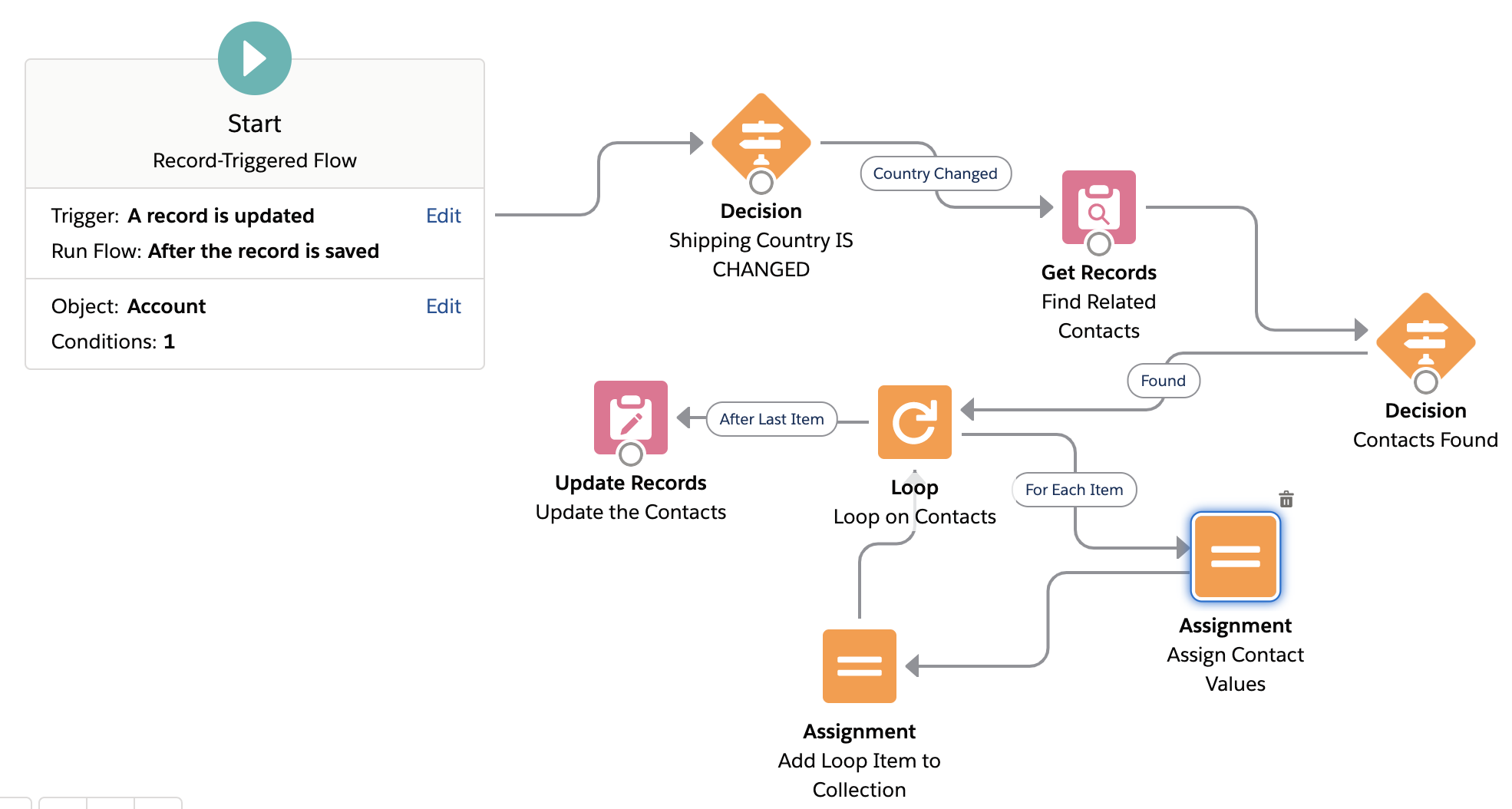
Is changed in Flows Salesforce and Prior Value in Flows :  Spring' 21 Salesforce Release has introduced a new and exciting Flow feature which is Record   Prior Value variable in Record Triggered Flows. This basically means that now we can see and use the Old Values (old field values) of the Record that fired the Flow and Compare old and new values of record in Record Triggered Flows . Salesforce Flow Prior Value feature can be used for many use cases and scenarios which were previously only possible using an Apex Trigger. In this post we will see the  use of  Prior/Old Record Value variable using an After Update Record Triggered Flow . We will implement  Is Changed   in After Update Record Triggered Flow .

Salesforce Flow Loop Basics | Clone or Share Files using Flows

Image
How to Copy a File from one object to another using Flows in Salesforce? How to copy a File Link from one Record to another in Salesforce Flow? In this article we see how to use Loops in a Flow and how to use Assignment Elements in a Flow through this Use Case -  Share or Copy a File from one Record/Object to another in Salesforce . Basically, we will see how to Share a specific File with Multiple Records which also includes a way to Copy a File from One Object to Another in Salesforce .There are many ways to achieve this (like using Apex etc.), but we will do File Sharing / Cloning  using Flows . In this article, I will use an After Update Record Triggered Flow  to show this use case.

Salesforce Spring '21 Release Preview | Latest Flow Features

Image
Salesforce Spring '21 release is around the corner. Let's see some of the New and Latest Flow Features to be included in Salesforce Spring '21 release to get ourselves excited. This article covers Top Flow Features in Salesforce Spring'21 Release from Spring'21 Release Notes. This is a complete  Spring '21 Flow Features and Enhancements Preview and Teaser . We will check some of the new and latest Flow Builder capabilities expected and included in Spring 21 Salesforce Release . 

Flows | How to Send Custom Notifications from Flow

Image
Custom Notifications from Flows Salesforce :  In this post we will see how to use or Send Custom Notifications from Flows in Salesforce. We will combine two new and powerful features of Salesforce i.e.  Record Triggered Flows and Custom Notification Builder  to make life easier for End Users so that they are able to keep a track of important events/notifications/updates on records that they are working on. 

Test and Debug Record Triggered Flows in Salesforce

Image
In this post we will use a simple hack to Test and Debug Record Triggered Flows in Salesforce. This debugging hack will work for After Insert Flows, After Update Flows and Before Delete Record Triggered Flows. We will see how to easily get Debug Logs or Flow Execution Logs while Testing Record Triggered Flows.

Use Flows to Track Unread Emails on Cases in Salesforce

Image
In this post we will see how to track or check Unread Emails or New Emails on Cases in Salesforce. This will help users working on Case Management or Service Cloud to keep a track of Cases on which new Emails are received from customers and needs their attention. Users can easily Check if a Case has New or Unread Email even from List Views directly using this approach. 

PLATFORM APP BUILDER CERTIFICATION - 78% OFF


Never Miss Latest Posts