Posts

Showing posts with the label Flow triggers

Salesforce Flows | Consider Implementing a Kill Switch Design for Flow (On/Off Switch)

Image
In this post we will see why we should consider to create a Kill Switch or an On/Off Switch for Salesforce Flows. Also, we will see one of the potential (many) ways to create this Kill Switch or On/Off Switch for Flows .This can be useful specially for Record Triggered Flows(After Save, Before Save and Before Delete Flows ). 
Flows | Use Flows to Bulk Update Records from List View in Salesforce

Image
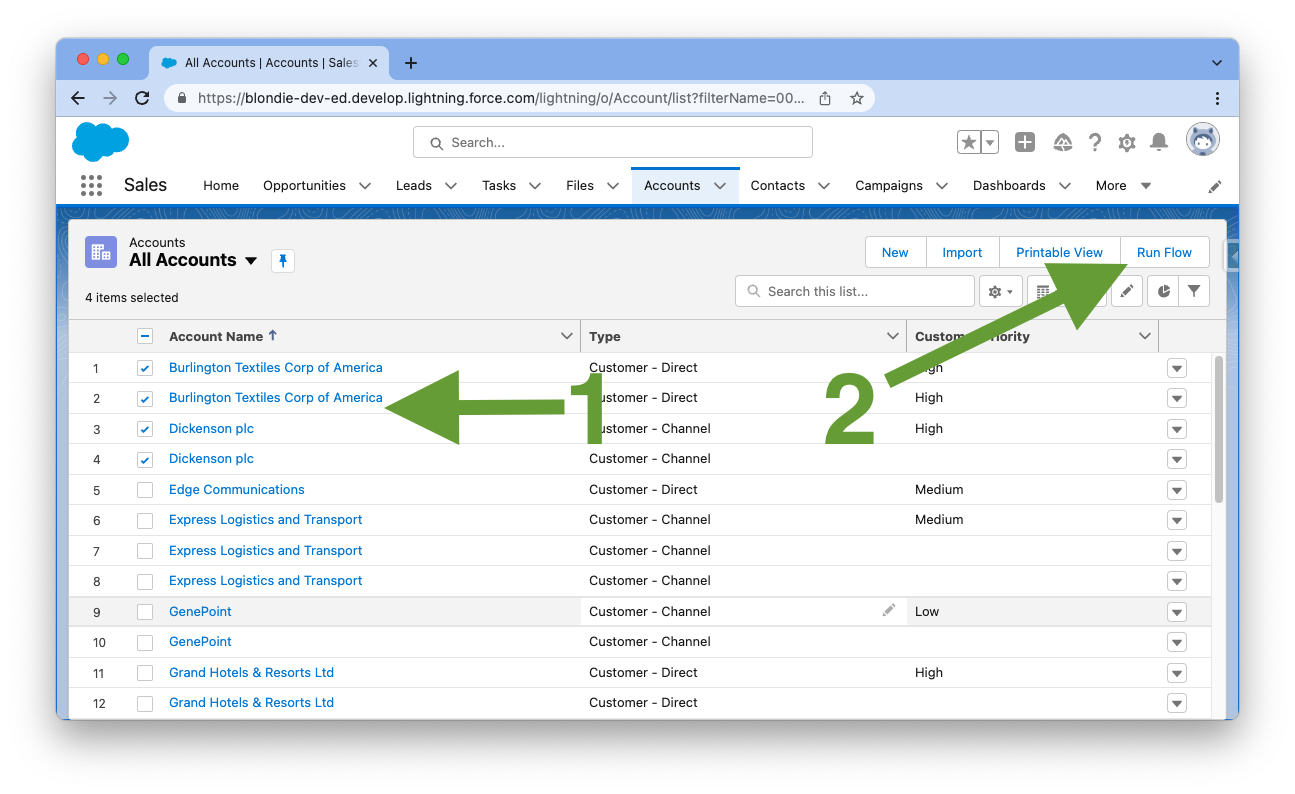
How to use Screen Flow as a List View Button to Edit Multiple Records at once in Salesforce? In this post we will see how to use a Screen Flow in a List view in Salesforce. There are many use cases where you need to perform some custom action on multiple records in a List View in Salesforce. We will see how to create a custom List View Button using a Screen Flow in Salesforce to perform actions on multiple selected records at once. We will see how to Pass Selected Records from a List View to a Flow . Based on these passed records from List View to a Screen Flow, we will just use the Flow to do perform desired business logic.

SALESFORCE WINTER 22 RELEASE PREVIEW | LATEST FLOW FEATURES

Image
Salesforce Winter '22 Release will be here soon. Let's see some of the New Flow Features and Enhancements which will be coming in Winter 22 Salesforce Release. This post is to give you an idea about the New Flow Features in Salesforce Winter 22 Release.

Salesforce Flows - Use Not Contains, Not Starts With and Not Ends With Operators in Flow

Image
In this post we will see how to use Not Contains (Does Not Contain)  function or operator in Salesforce Flows. Also, we will see a Workaround to use Not Starts With and Not Ends With operators in Salesforce Flows. All these operators are not available directly in Flow Elements but we can use Custom Condition Logic in Flows to implement these. We will go through an efficient "Does not Contain" workaround  by using  Custom Condition Logic in Salesforce Flows. If you work on Flows in Salesforce, you might have come across scenarios where you need to put/use condition logics to filter data like : checking if a particular field contains some particular text or if value of field starts or ends with a particular text or number. These are useful and powerful operators while working on Flows in Salesforce and are available to apply in Flow Elements directly.  But what if you wanted to check the opposite of it? Somebody messaged me directly to get answer to this so I thought...

Salesforce Summer 21 Release Preview | Latest Flow Features

Image
Salesforce Summer '21 Release is here soon. Let's see some of the Latest and New Flow Features and Enhancements in Summer 21 Salesforce Release. This post is to give you an idea about the New Flow Features in Salesforce Summer 21 Release.

Flow Bulkification | Mass Update Records from Flows in Salesforce

Image
Update Multiple Records in Flow Salesforce . In this post we will talk about ways to Bulkify Flows to Update Multiple Records   .This is also known as Flow Bulk Update or Bulk Update / Mass Update of Records using Flows . Concept of Salesforce Flow Update using Record Collection Variable will be explored in this post. We will also see how to use Salesforce Flow Loop Update Records feature. Also, we'll talk about some Flow Loops Best Practises. 

Spring '21 Flows | Is Changed in Record Triggered Flows using Prior Value

Image
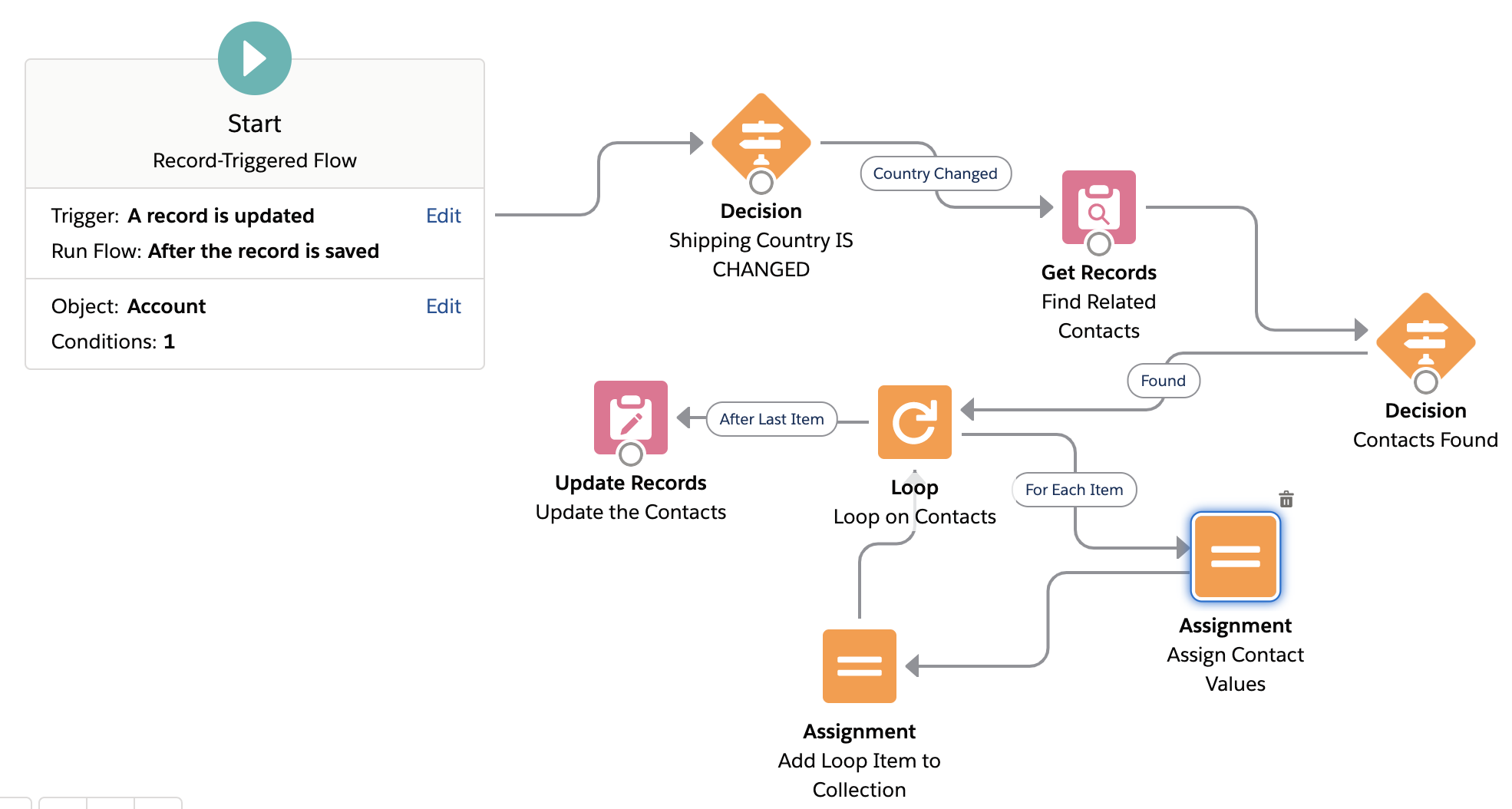
Is changed in Flows Salesforce and Prior Value in Flows :  Spring' 21 Salesforce Release has introduced a new and exciting Flow feature which is Record   Prior Value variable in Record Triggered Flows. This basically means that now we can see and use the Old Values (old field values) of the Record that fired the Flow and Compare old and new values of record in Record Triggered Flows . Salesforce Flow Prior Value feature can be used for many use cases and scenarios which were previously only possible using an Apex Trigger. In this post we will see the  use of  Prior/Old Record Value variable using an After Update Record Triggered Flow . We will implement  Is Changed   in After Update Record Triggered Flow .

Salesforce Flow Loop Basics | Clone or Share Files using Flows

Image
How to Copy a File from one object to another using Flows in Salesforce? How to copy a File Link from one Record to another in Salesforce Flow? In this article we see how to use Loops in a Flow and how to use Assignment Elements in a Flow through this Use Case -  Share or Copy a File from one Record/Object to another in Salesforce . Basically, we will see how to Share a specific File with Multiple Records which also includes a way to Copy a File from One Object to Another in Salesforce .There are many ways to achieve this (like using Apex etc.), but we will do File Sharing / Cloning  using Flows . In this article, I will use an After Update Record Triggered Flow  to show this use case.

Flows | How to Send Custom Notifications from Flow

Image
Custom Notifications from Flows Salesforce :  In this post we will see how to use or Send Custom Notifications from Flows in Salesforce. We will combine two new and powerful features of Salesforce i.e.  Record Triggered Flows and Custom Notification Builder  to make life easier for End Users so that they are able to keep a track of important events/notifications/updates on records that they are working on. 

Salesforce Flows | After Save Update Flow

Image
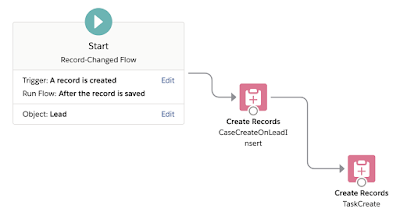
In this blog I am going to talk about the After Save Flow in Salesforce. These are the latest addition in Flow Trigger capability of Salesforce. Salesforce Flow Triggers : Create Record Triggered Flow that Run After Save Salesforce Summer'20 release is here with many exciting features and enhancements and as always we have all the reasons to be excited. Continuing on my Flow Series, in this blog I am going to showcase one of the most exciting enhancement to the flow capability in this release- Automated Flow Triggers - To perform automatic actions after a record is saved.  Gone are the days when we had to write triggers or multiple process builders or a combination of flows and process builders for every small automation. Most of the not so complex use cases can be easily achieved now by creating flow triggers. In the previous release, Salesforce introduced  Before Save Trigger option for Flows which is great for validations and updates before saving the reco...

PLATFORM APP BUILDER CERTIFICATION - 78% OFF


Never Miss Latest Posts